
Online payment and payouts without the effort of collecting payments
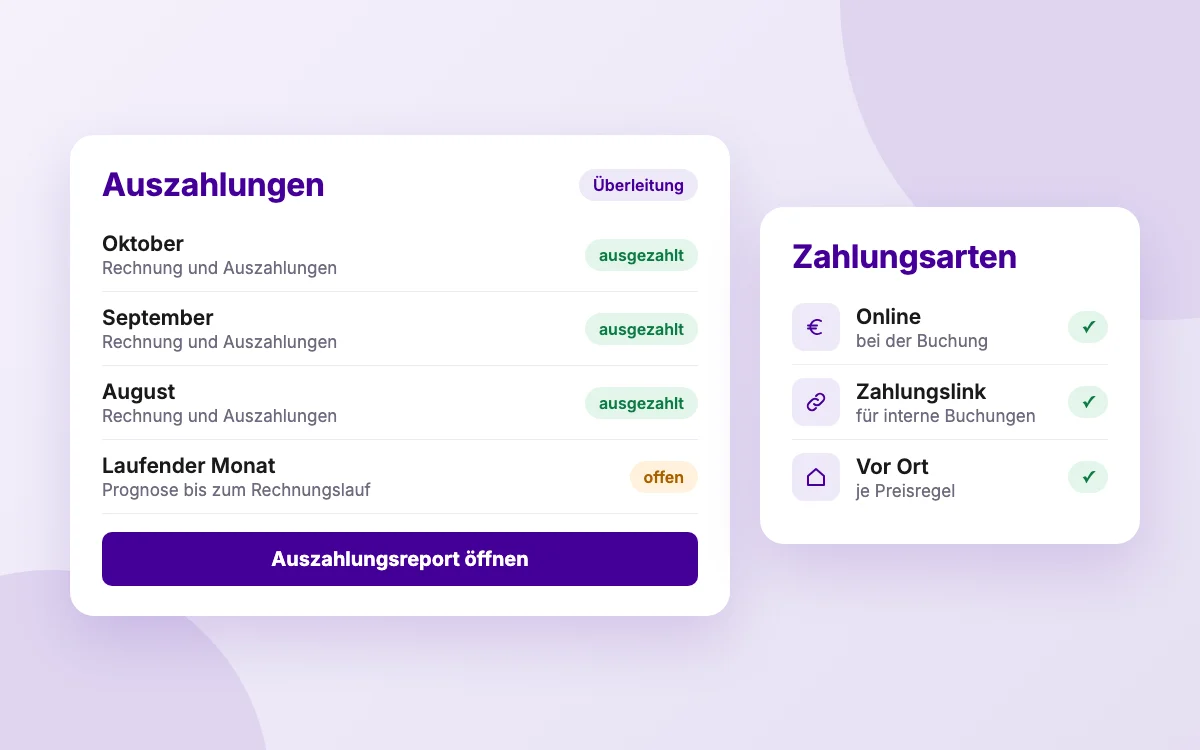
Your customers pay online at booking, by payment link or, at golf clubs and indoor facilities, also on site. The money is paid out automatically to your account, and you will find invoices and reports in one place.
- Online payment right at booking
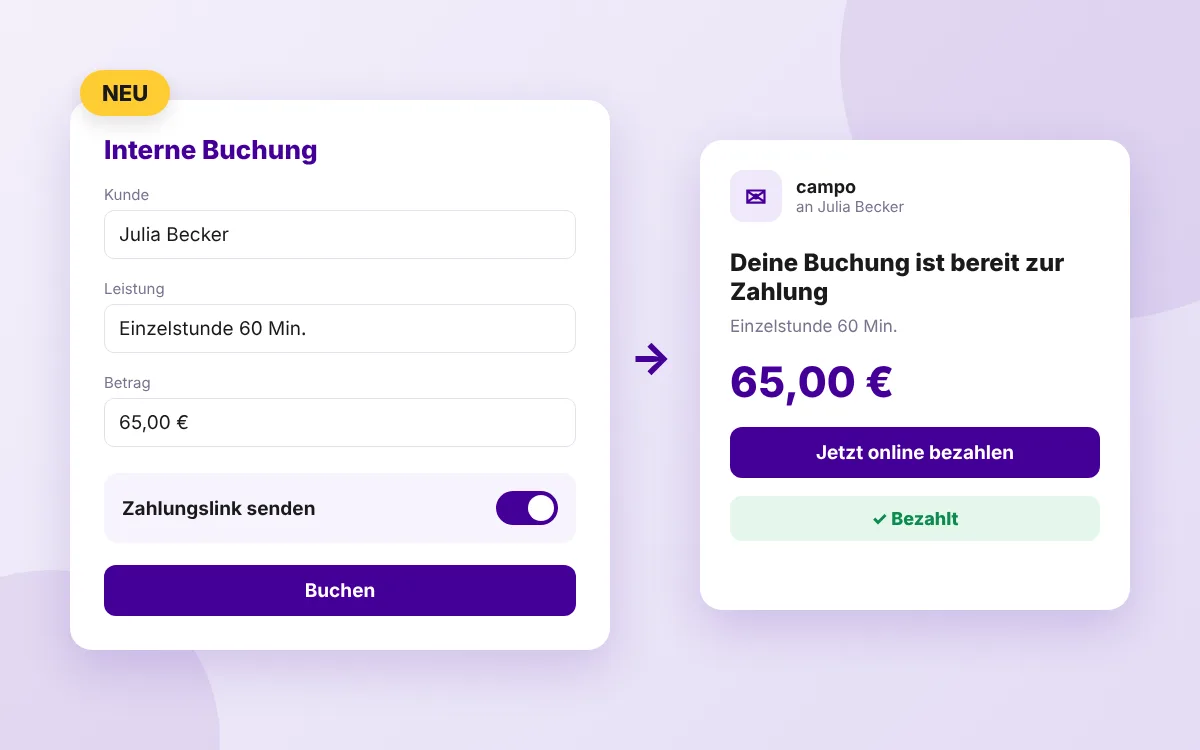
- Payment link for internal bookings
- Automatic payout to your account
Three ways to pay
Online at booking
Payment happens right at booking. So you have no payments to collect and no risk from no-shows.
Payment link
For internal bookings, campo sends the customer a link for prepayment. You see open, paid and expired links in the overview. Only transaction fees apply, no commission.
Payment on site
If needed, golf clubs and indoor facilities also offer payment on site for each price rule.
Invoices and payouts in one place
Invoices, the invoice report and the payout report show you what was billed and paid out when. The reconciliation assigns each invoice month to its payouts.
Frequently asked questions about payments
How do I get my money?
You connect your Stripe payment account in campo. Bookings paid online are then paid out automatically to your account.
What is the payment link?
When you book internally for a customer, campo sends them a link to pay for the booking online in advance.
Can I reconcile payments?
Yes. The invoice report, payout report and reconciliation show you which invoice month is included in which payout.
Shall we show you this in a demo?
Send us a short note about who you are and what you have in mind. We will get back to you.
Request a demo