
Market and sell golf classes and events online
Taster courses, beginner courses leading to the course permit, training courses and events: with campo, they can be booked online, are paid in advance and automatically appear in the search for 120,000 registered golfers.
- No more no-shows, everything paid in advance
- Waitlist when a course is fully booked
- Taster courses and events can also be booked without an account
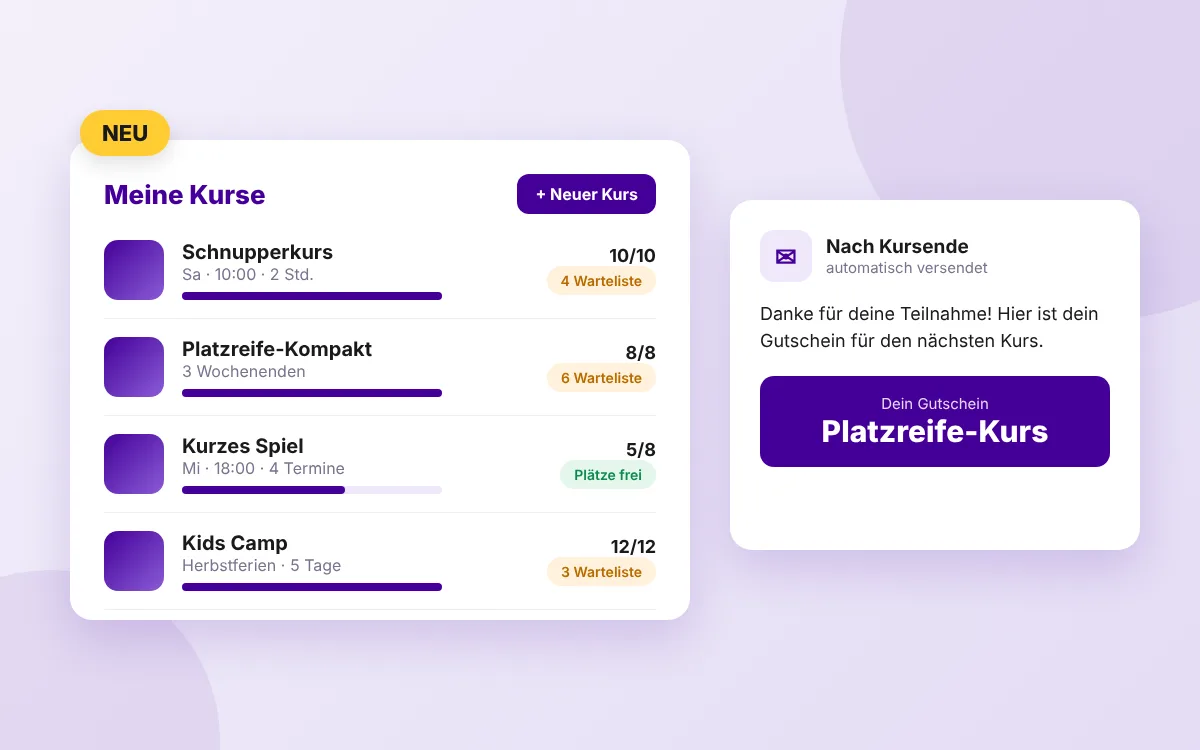
From setup to a full course
Set up a course
You set up taster courses, beginner courses leading to the course permit, training courses or events and decide on dates, places and prices.
Automatically visible
Your courses appear in the search on campo, where golfers are specifically looking for courses. You embed them on your website with a widget.
Waitlist instead of turning people away
When a course is full, interested golfers join the waitlist. That shows you how big the demand is.
Measure campaigns
Do you use Google or Facebook campaigns for your courses? When a booking is completed, a signal automatically goes back to your campaign, for precise conversion tracking.
It doesn't stop when the course ends
With EasyLeads, participants automatically receive emails before and after the course, after the course with a personal discount if you wish. That turns the taster course into the next step, without you having to follow up.
EasyLeads and messages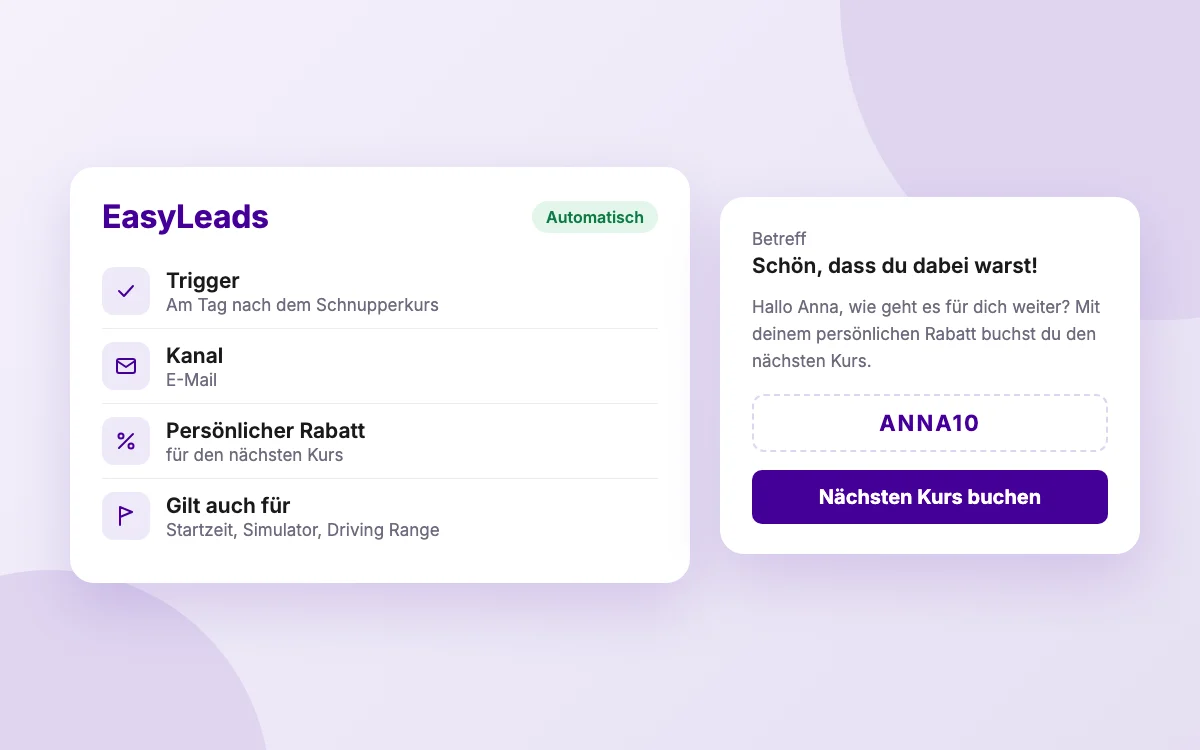
Frequently asked questions about marketing your courses
Which courses can I offer?
Taster courses, beginner courses leading to the course permit, training courses and events.
Do participants have to create an account?
Not for taster courses and events: guests can also book these without an account, but discount codes are not available in that case. Beginner courses leading to the course permit and training courses require an account.
What happens when a course is full?
Interested golfers join the waitlist. You can see the waitlist in your course management.
Shall we show you this in a demo?
Send us a short note about who you are and what you have in mind. We will get back to you.
Request a demo